OCR vs Manual Data Entry: Accuracy, Speed & Cost Comparison (2025 Edition)
 Admin2 min read
Manual data entry is slow, expensive, and error-prone. This guide compares manual work with modern OCR + AI automation to show which method wins in 2025.

Introduction
Businesses process thousands of documents every year—receipts, invoices, statements, and more. Many still rely on manual data entry, leading to avoidable errors, wasted hours, and increasing operational costs. OCR (Optical Character Recognition), combined with AI, offers a modern alternative that is faster, cheaper, and drastically more accurate.
This article compares OCR vs Manual Data Entry so you can decide what fits your workflow in 2026.
1. What Is Manual Data Entry?
Manual data entry means physically typing information from documents into spreadsheets or accounting software.
Challenges
Extremely slow
High risk of human errors
Fatigue and oversight
Duplicate entries
Difficulty scaling
Expensive labor costs
Error Rate
Studies show manual data entry has an average error rate of 1–3%, often affecting:
Amounts
Dates
Invoice numbers
Vendor names
Tax calculations
For finance teams, these errors add significant downstream costs.
2. What Is OCR?
OCR is technology that reads printed or handwritten text from images, PDFs, and scanned documents.
Modern OCR used in tools like DocuNero includes:
Character detection
Layout understanding
Table and line-item extraction
Multi-language support
AI model validation
OCR converts unstructured documents into searchable, editable, structured data.
3. OCR vs Manual Data Entry: Head-to-Head Comparison
Factor
Manual Data Entry
OCR + AI
Speed
30–120 seconds per invoice
<3 seconds
Accuracy
~97% (with fatigue risk)
95–99%
Cost
High (labor)
Low (automation)
Scalability
Difficult
Infinite
Consistency
Varies by person
Always consistent
Line Item Extraction
Time-consuming
Instant
Categorization
Manual
Automatic
Best For
Very small volumes
Any size business
Verdict: OCR + AI is superior in all measurable areas except niche handwritten documents.
4. Cost Comparison Example
A business processes 1,000 invoices per month.
Manual:
2 minutes per invoice → ~33 hours
Cost: approx. $1,100–$1,500/month (labor)
OCR + AI:
<1 hour total
Cost: < $100/month (depending on plan)
Savings:
✔ 90–95% cost reduction
✔ 30+ hours per month saved
✔ Faster payments + cleaner data
5. Can OCR Replace Manual Entry Completely?
In most cases, yes.
OCR + AI works best for:
Printed invoices
Vendor bills
Receipts
Bank statements
Utility bills
Shipping invoices
Multi-page PDFs
Manual review is still used for:
Poor quality photos
Crumpled or damaged receipts
Full handwritten documents
6. How DocuNero Improves OCR Accuracy
DocuNero enhances OCR results by adding:
AI Field Extraction - Understands semantics (e.g., “Invoice Date” even if labeled differently).
Line Item Recognition - Detects structured tables across page formats.
Auto Categorization - Assigns expense categories for insights.
Confidence Scores - Helps users see low-confidence fields quickly.
Data Validation - Checks totals, taxes, and mismatches.
Together, these features make OCR results more trustworthy than traditional manual workflows.
Conclusion
Manual data entry is slow, expensive, and outdated. OCR and AI offer a better alternative by automating extraction, reducing errors, improving speed, and enabling smarter financial decisions. For businesses looking to scale, automation isn’t just helpful—it’s essential.
Ready to get started with DocuNero?
Join thousands of users who trust us to automate their invoices and receipts with AI.
Start Free with DocuNeroAdmin
Admin at DocuNero, helping users simplify invoice and receipt processing through AI-powered automation.
View all posts by AdminRelated Posts
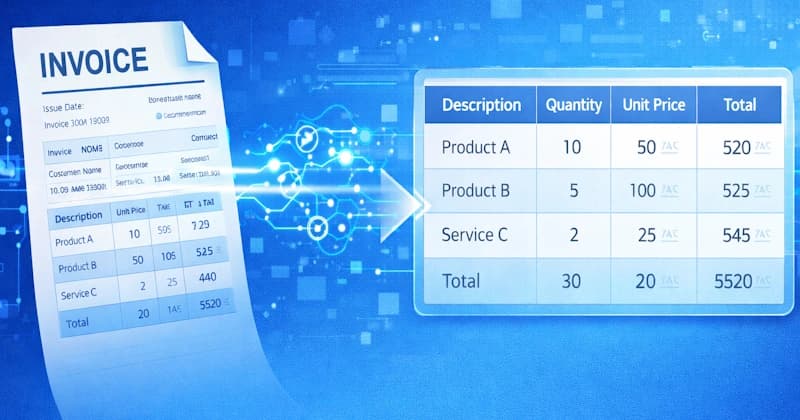
How to Extract Line Items From Invoices Automatically (Using AI)
Manually extracting invoice line items is slow and error-prone. Learn how AI automatically captures quantities, prices, taxes, and totals—accurately and at scale.
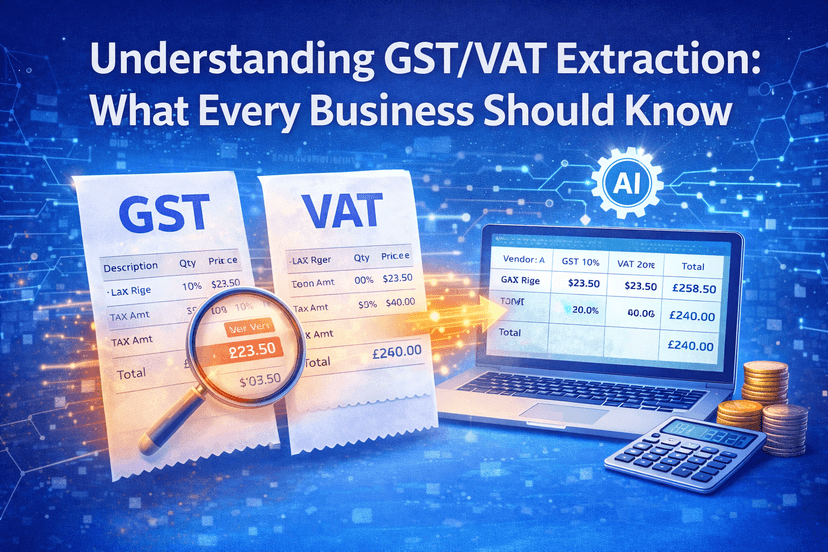
Understanding GST/VAT Extraction: What Every Business Should Know
GST and VAT extraction is critical for accurate tax reporting and compliance. Learn how it works, common challenges, and how automation improves accuracy.