How AI Is Transforming Invoice Processing in 2025: A Complete Guide
 Admin3 min read
AI is reshaping how businesses manage invoices by eliminating manual data entry, reducing errors, and delivering faster, more accurate financial processing. In 2025, modern AI systems extract key fields, categorize expenses, validate totals, and streamline approval workflows—all in seconds. Learn how AI-powered automation helps businesses save time, cut costs, and gain real-time visibility into financial data.

Introduction
Invoice processing has historically been slow, error-prone, and expensive. In 2025, businesses are shifting to AI-powered automation to extract, review, and manage financial data with unmatched accuracy. Whether you're a small business, an accountant, or an enterprise finance team, AI can dramatically reduce manual efforts and operational costs.
In this article, we explore how AI transforms invoice processing—and why thousands of companies are replacing manual data entry with automation.
Why Invoice Processing Needed a Transformation
Traditional invoice processing involved:
Manually entering values into Excel or accounting tools
Checking line items one by one
Matching purchase orders with invoices
Validating tax totals
Searching and filing documents
This leads to:
Human errors
Delays in payments
Lost or misfiled invoices
Higher operational costs
Scaling problems
Poor visibility into spending
AI solves these challenges at scale.
How AI-Powered Invoice Processing Works
Modern systems use a combination of:
1. OCR (Optical Character Recognition)
Identifies text in PDFs, images, and scanned documents.
2. AI Parsing / LLM Processing
Understands meaning, context, and structure—something traditional OCR cannot do.
3. Field Mapping
AI detects and extracts:
Invoice number
Supplier details
Dates
Subtotals, taxes, totals
Line items
Payment details
4. Validation Rules
AI verifies:
Mathematical correctness
Missing fields
Tax inconsistencies
5. Categorisation & Insights
AI automatically assigns categories such as:
Travel
Meals & Entertainment
Office Expenses
Software Subscriptions
Repairs & Services
This enables businesses to instantly understand their spending patterns.
Benefits of AI Invoice Processing in 2025
1. 10× Faster Processing
Invoices that took minutes can now be processed in seconds.
2. Up to 95–99% Accuracy
LLMs reduce human errors significantly.
3. No Manual Data Entry
Zero typing, fewer mistakes, better efficiency.
4. Supports All Document Types
PDFs
Photos of receipts
Scanned invoices
Multi-page documents
Mixed-quality images
5. Instant Categorisation
AI automatically detects categories to assist with accounting and reporting.
6. Workflow Automation
With approval flows, businesses can:
Assign reviewers
Approve or reject invoices
Add comments
Track audit history
7. Export-Ready Data
Data can be exported instantly in CSV, Excel, PDF, and JSON formats.
Real-World Example
A growing e-commerce business receives 400+ invoices per month.
Before AI:
20–25 hours of manual entry
Delays in payment
Limited visibility into expenses
After AI:
Processing time reduced to < 1 hour
Instant insights into spending
Faster approvals
Zero data-entry fatigue
How DocuNero Helps
DocuNero automates your entire invoice workflow:
⏱ Upload → process in seconds
📄 Extracts structured data (fields + line items)
🧠 Categorises spending
🔎 Approval workflow for teams
📤 Export to CSV, Excel, JSON, PDF
📚 Organise & search across all documents
Whether you manage 50 invoices or 50,000, DocuNero scales with your needs.
Try DocuNero for Free
Conclusion
AI is no longer optional—it is a competitive advantage. In 2025, companies that automate invoice processing save time, reduce costs, and make smarter financial decisions. Transitioning from manual workflows to AI-powered systems unlocks efficiency and accuracy that traditional methods simply cannot achieve.
Ready to get started with DocuNero?
Join thousands of users who trust us to automate their invoices and receipts with AI.
Start Free with DocuNeroAdmin
Admin at DocuNero, helping users simplify invoice and receipt processing through AI-powered automation.
View all posts by AdminRelated Posts
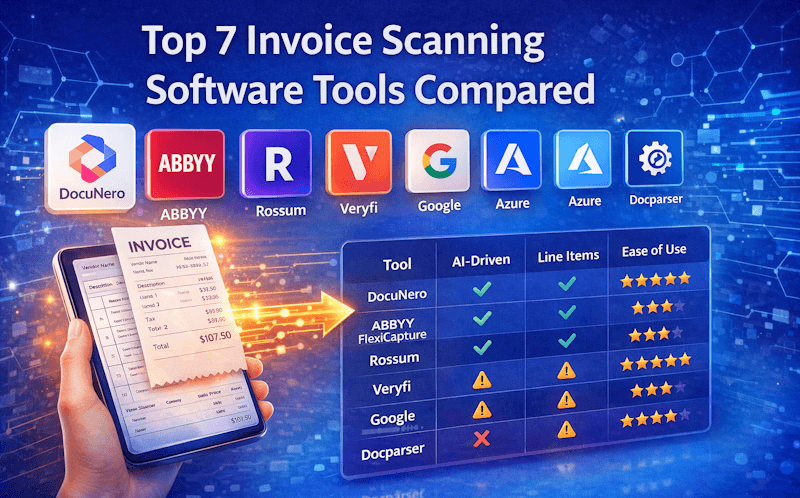
Top 7 Invoice Scanning Software Tools Compared (2026)
Looking for the best invoice scanning software in 2026? We compare accuracy, features, pricing, and use cases across the top 7 invoice OCR and AI tools.
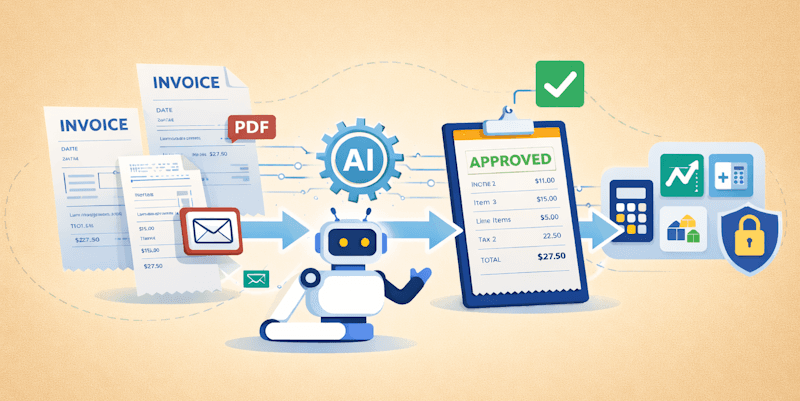
Automating Accounts Payable With AI: A Step-by-Step Workflow
Accounts payable automation with AI helps businesses reduce manual work, improve accuracy, and speed up invoice processing. This guide explains the complete AI-driven AP workflow step by step.